Image Tools
JPG vs PNG vs WebP: Which Image Format Should You Use?
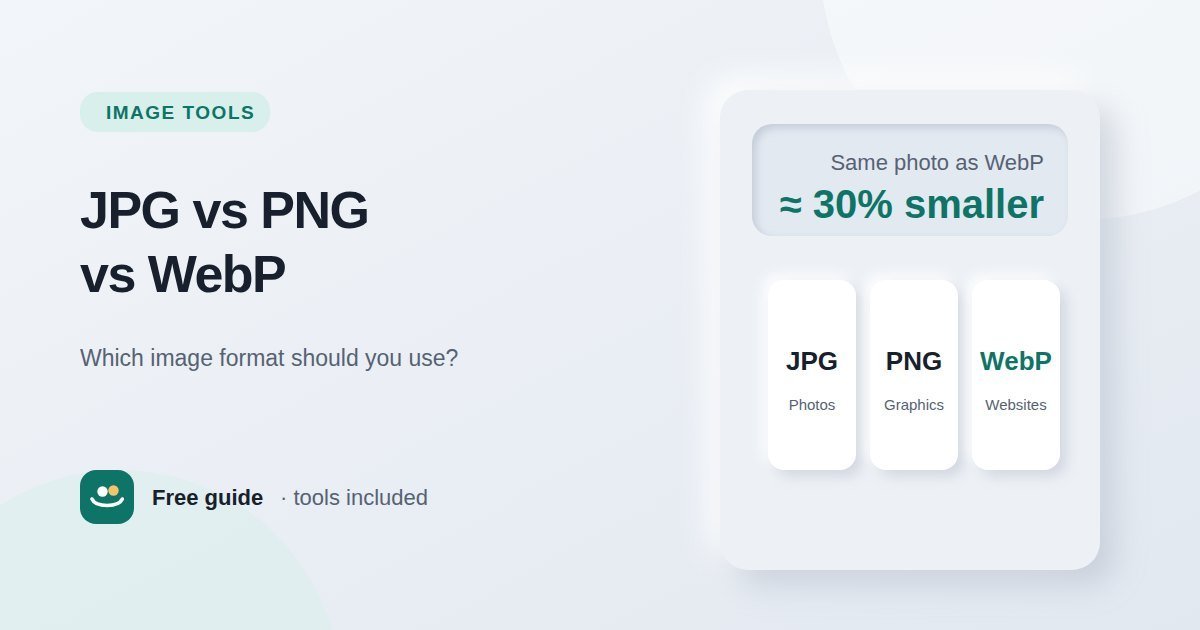
JPG for photos, PNG for graphics and transparency, WebP for websites. Compare the three formats on quality, file size and compatibility, and learn…
How to prepare images for websites, email and upload forms without sacrificing quality or privacy.
Large images slow down websites and get rejected by upload forms, but careless compression makes photos look blocky and blurred. These guides explain the difference between image dimensions and file size, when to use JPG, PNG or WebP, and a practical workflow for getting small files that still look good.
Try the methods with the Image Compressor and Image Resizer, which process images on your own device.
JPG for photos, PNG for graphics and transparency, WebP for websites. Compare the three formats on quality, file size and compatibility, and learn…
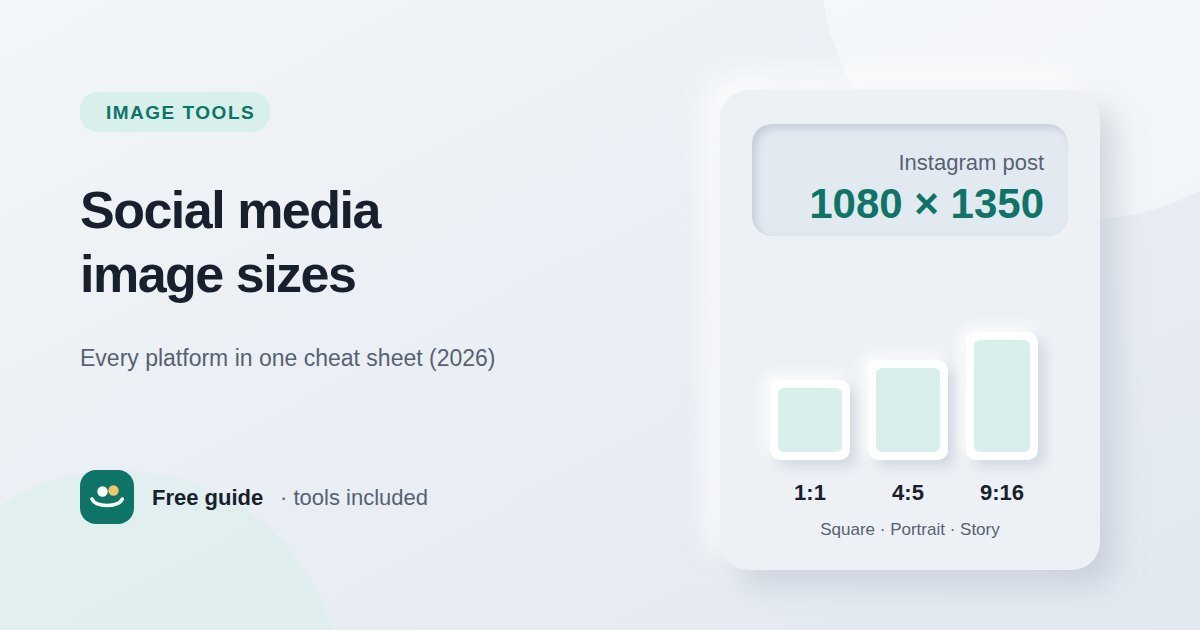
Recommended image sizes for Instagram, Facebook, X, LinkedIn, YouTube, Pinterest and TikTok in one table — plus the aspect ratios behind them and…
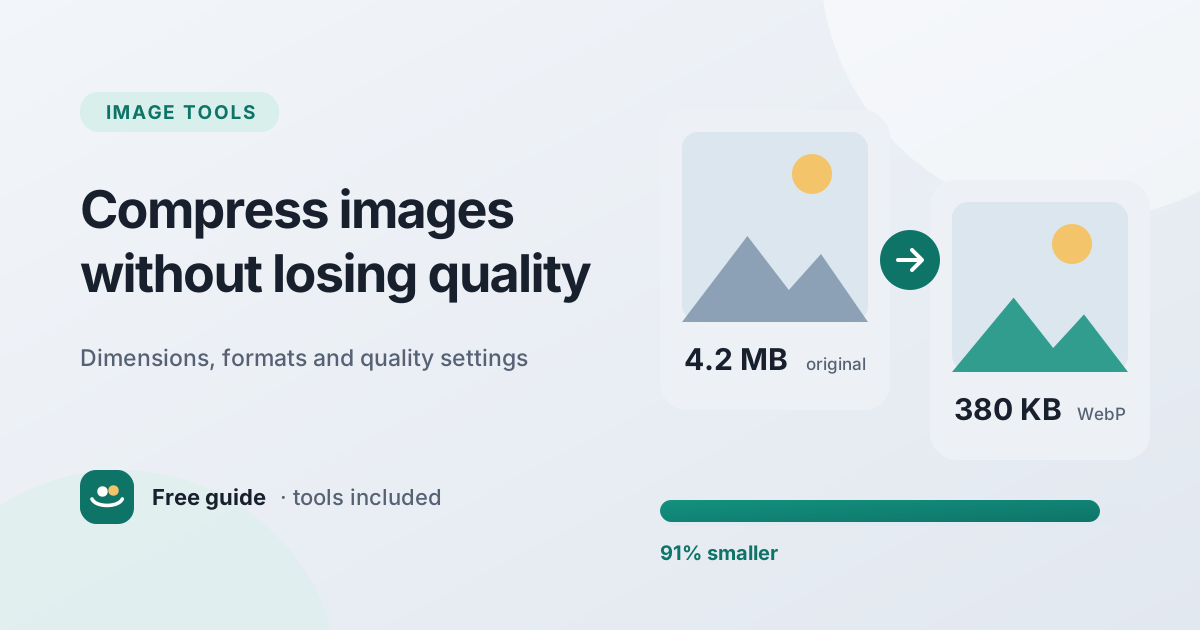
Big images slow down websites and bounce off upload limits. Learn how dimensions, formats and quality settings affect file size, and follow a simple…