In this article
- What a word count actually measures
- Characters with spaces vs characters without spaces
- Sentences and paragraphs
- Why different tools give different counts
- How to count words and characters online, step by step
- Practical uses: which count matters where
- Common mistakes to avoid
- Conclusion
- Frequently asked questions
You paste your essay into one program and it says 1,497 words. You paste it into another and it says 1,503. Your application form insists you are over its 2,000-character limit even though you counted carefully. None of this means you did anything wrong — it means "word" and "character" are less obvious than they sound.
This guide explains exactly what word counts and character counts measure, why tools disagree, which number each kind of limit actually uses, and how to hit a target reliably. At the end you will find practical checklists for essays, social media, SEO and forms.
What a word count actually measures
At its simplest, a word counter splits your text wherever there is a space or line break and counts the pieces. That rule works well for ordinary sentences: "The report is due on Friday." is six words by any tool.
The disagreements start with text that is not ordinary prose. Every counter has to make decisions about cases like these:
- Hyphenated words. Is well-known one word or two? Most word processors, including Microsoft Word and Google Docs, count it as one.
- Contractions. Don't and it's are almost always counted as one word.
- Numbers. 2026, 3.5 and 1,000 are usually one word each. Times such as 9:30 are handled differently by different tools.
- Slashes and dashes. and/or may count as one word or two. An em dash typed without spaces — fast—really fast — can join two words into one in some programs.
- Standalone symbols. An ampersand (&) or a spaced dash between words may or may not count.
- URLs and email addresses. Some counters treat www.example.com/page as one word; others split it into several.
Our Word Counter counts runs of letters and numbers, keeps hyphenated words and contractions together, treats numbers like 1,000 and 9:30 as single words, and ignores punctuation that stands alone. That matches word processors closely for normal writing. The small differences you might see come almost entirely from slashes, unspaced dashes and web addresses.
Rule of thumb: for a strict word limit, aim for five to ten words under the maximum. That margin absorbs any difference between your tool and the one your teacher, editor or application system uses.
Characters with spaces vs characters without spaces
Character counts come in two versions, and it matters which one a limit refers to.
- Characters with spaces counts everything: letters, numbers, punctuation, spaces and line breaks. This is the number almost every website, app and form enforces. When a box says "maximum 500 characters", it means this.
- Characters without spaces leaves out spaces, tabs and line breaks. It is used in some academic guidelines, in translation and typesetting pricing, and in a few publishing contexts.
The gap between the two is usually around 15–20% for English prose, because roughly one character in every five or six is a space. Here is a short example:
| Text | Words | Characters (with spaces) | Characters (no spaces) |
|---|---|---|---|
| Write clearly. | 2 | 14 | 13 |
| The well-known café opens at 9:30, doesn't it? | 8 | 46 | 39 |
| Good writing is rewriting. | 4 | 26 | 23 |
Emoji, accents and "invisible" characters
Characters get complicated in one more way. Computers store some visible characters as several hidden pieces. A thumbs-up with a skin tone, a flag, or a family emoji can each be made of two to seven "code points" behind the scenes, and an accented letter like é can be stored either as one symbol or as an e plus a separate accent mark.
Our Character Counter counts what a person sees, so each emoji and each accented letter counts as one. Some platforms count the hidden pieces instead, which means an emoji can use two or more characters of your allowance there. If you are within a few characters of a limit and your text includes emoji, leave some spare room.
Text copied from PDFs and web pages can also contain invisible characters such as non-breaking spaces and double spaces. They inflate your character count without adding anything visible. Running the text through Remove Extra Spaces before counting fixes that.
Sentences and paragraphs
Most word counters also report sentences and paragraphs. They are less often used for limits, but they are useful for judging readability.
A sentence is normally counted each time a full stop, question mark or exclamation mark is followed by a space or the end of the text. Abbreviations such as "e.g." or "Dr." can occasionally fool this rule, so treat the sentence count as a close estimate rather than an exact figure.
A paragraph is usually counted each time the text is separated by a line break, with empty lines ignored. That means pressing Enter twice between paragraphs does not double the count.
Two quick readability checks follow from these numbers:
- Average sentence length. Divide words by sentences. For general audiences, an average somewhere around 15–20 words per sentence tends to read comfortably. Averages well above 25 often signal sentences worth splitting.
- Average paragraph length. Divide words by paragraphs. On a phone screen, paragraphs longer than about 100 words look like a wall of text, so web writing usually benefits from shorter paragraphs than print.
Why different tools give different counts
To summarise the causes, when two counts disagree it is almost always because of one of these:
- Different word rules for slashes, dashes, URLs and symbols, as described above.
- Different scope. Word processors can include or exclude footnotes, text boxes and captions. An online tool counts only what you paste into it.
- Hidden text. Copying from a PDF or web page can bring along page numbers, headers, image captions or hidden characters.
- Different character definitions. Counting visible characters versus the hidden code units underneath, especially with emoji.
- Line endings. Windows stores a line break as two hidden characters, other systems as one. Good tools normalise this, but not all do.
The practical answer is simple: find out which tool or system will enforce the limit, and if you cannot use that tool directly, leave a small margin.
How to count words and characters online, step by step
- Copy only the text that counts. Many essay limits exclude the title, references, footnotes or appendices. Check your instructions, then copy just the relevant sections.
- Paste it into the Word Counter. Words, characters, sentences, paragraphs and reading time appear instantly. Nothing is uploaded — the counting happens in your browser.
- Check the number your limit uses. Words for most essays and articles; characters with spaces for most forms and social posts.
- Edit in place. You can trim directly in the text box and watch the counts update.
- For a character limit, set it explicitly. The Character Counter lets you enter your limit and shows how many characters remain or how far over you are.
Practical uses: which count matters where
Students and academic writing
Essay and dissertation limits are almost always in words. Institutions often allow a small tolerance (commonly around 10%) but rules vary, so check your course handbook. Ask whether headings, in-text citations, tables and the bibliography are included, because that alone can change the total by hundreds of words. Abstracts are typically 150–300 words and are usually enforced strictly.
Writers and bloggers
For articles, word count is a planning tool rather than a hard rule. It helps you estimate how long a piece will take to read — the Reading Time Calculator converts a word count into minutes at a speed you choose — and it helps editors budget space. There is no single "right" length for a blog post: the right length is whatever fully answers the reader's question without padding.
Social media
Social platforms limit posts in characters, with spaces. A standard X (Twitter) post allows 280 characters; Instagram captions allow up to 2,200. Bios and profile fields have much shorter limits. Platforms change these figures from time to time, so check the platform's own help pages if you are close to the limit.
SEO: titles and meta descriptions
Search engines do not publish a fixed character limit for page titles or descriptions — they truncate them based on the space available on screen. In practice, titles of around 50–60 characters and descriptions of around 150–160 characters are usually displayed in full on desktop results. Put the most important words first so that any truncation removes the least useful part.
Forms and applications
Job applications, grant forms and university personal statements frequently use character limits, and the form's own counter is the final authority. Draft in a document, check with a character counter, and paste the final version into the form early — before the deadline — so you can see whether its count matches yours.
Common mistakes to avoid
- Counting the wrong unit. Writing 500 words for a 500-character box produces roughly three times too much text.
- Forgetting line breaks. In most character limits, every line break uses one character.
- Relying on formatting. Bold, italics and headings do not change word counts, but numbered lists and bullet symbols pasted as text can add characters.
- Padding to reach a minimum. Readers and markers notice filler. If you are under a minimum, add an example, a counter-argument or a clearer explanation instead.
- Trusting a count of messy text. Clean up double spaces and broken lines first, and fix accidental capitals with the Case Converter before your final count.
Conclusion
Word and character counts are simple measurements with a few important details. Know which unit your limit uses, understand that tools differ slightly on slashes, dashes, URLs and emoji, and leave a small margin when the limit is strict. With those habits — and a quick check in the Word Counter or Character Counter — you can hit any target confidently.
Frequently asked questions
Do spaces count as characters?
Yes, in most limits. A space is a character like any other, so "hello world" is 11 characters. Some academic and translation guidelines use "characters without spaces", which is why counters show both.
Does a word counter count numbers as words?
Generally yes. Numbers such as 42, 2026 and 3.5 are counted as one word each by most word processors and by our Word Counter.
Why does Google Docs show a different word count than Word?
The two programs apply slightly different rules to certain punctuation, such as slashes and dashes, and they can differ in whether footnotes or other elements are included. For normal prose the difference is usually tiny.
How many words is a 2,000-character limit?
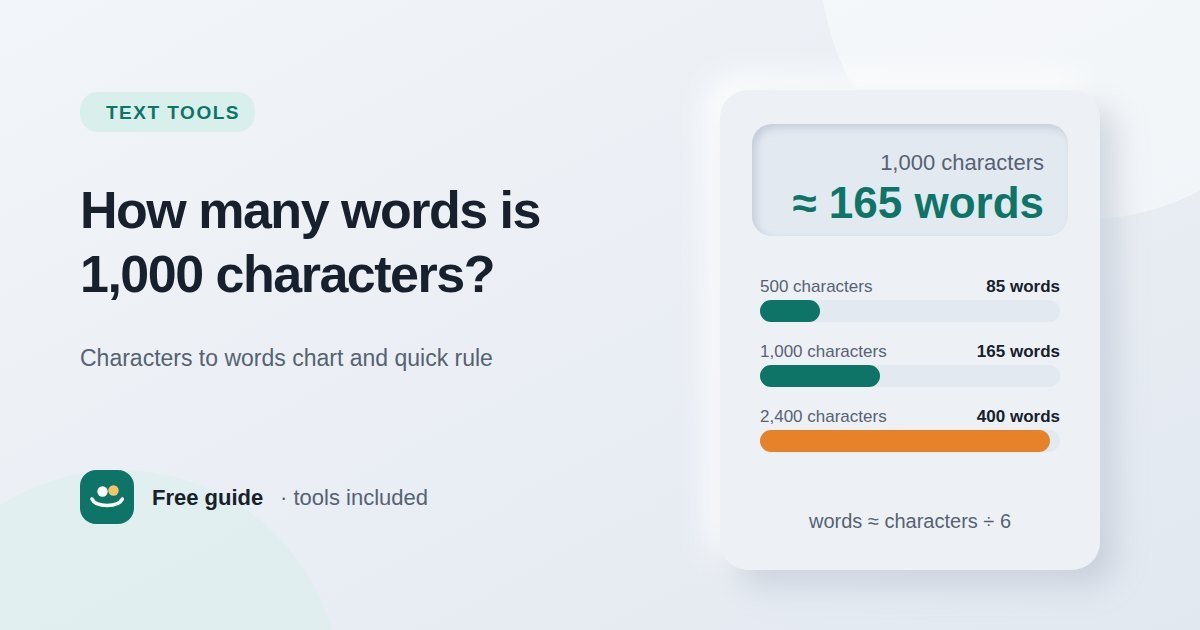
For typical English text, roughly 300–400 words, because the average word plus its following space is around five to six characters. The exact number depends on how long your words are, so always check the character count itself.
Is it safe to paste confidential text into an online word counter?
It depends on the tool. Our counters run entirely in your browser and never upload what you paste. With other tools, check their privacy policy before pasting anything sensitive.