In this article
- The quick method: count the days between two dates
- Should you include the end date?
- How many days until a date?
- Counting weekdays (business days) only
- Converting days into weeks, months and years
- Leap years
- Days between dates in Excel and Google Sheets
- Common mistakes
- Need a date a set number of days away?
- Conclusion
- Frequently asked questions
Need the answer now? Use the free Days Between Dates Calculator — enter two dates and get the days, weeks and weekdays between them instantly.
How many days until a deadline? How long is a 90-day notice period? How many working days are left in the month? Counting the days between two dates is something almost everyone needs to do, and it is surprisingly easy to be off by one — especially around month ends, leap years and the question of whether to count the first and last day.
This guide explains how to calculate the number of days between two dates by hand, how to decide whether to include the end date, how to count weekdays only, and how to do it in Excel or Google Sheets. For an instant answer, use the free Days Between Dates Calculator.
The quick method: count the days between two dates
For two dates in the same month, simply subtract the day numbers:
From 3 October to 24 October → 24 − 3 = 21 days.
When the dates are in different months, count in three parts:
- Days left in the starting month after the start date.
- The full days of every month in between.
- The day number of the end date in the final month.
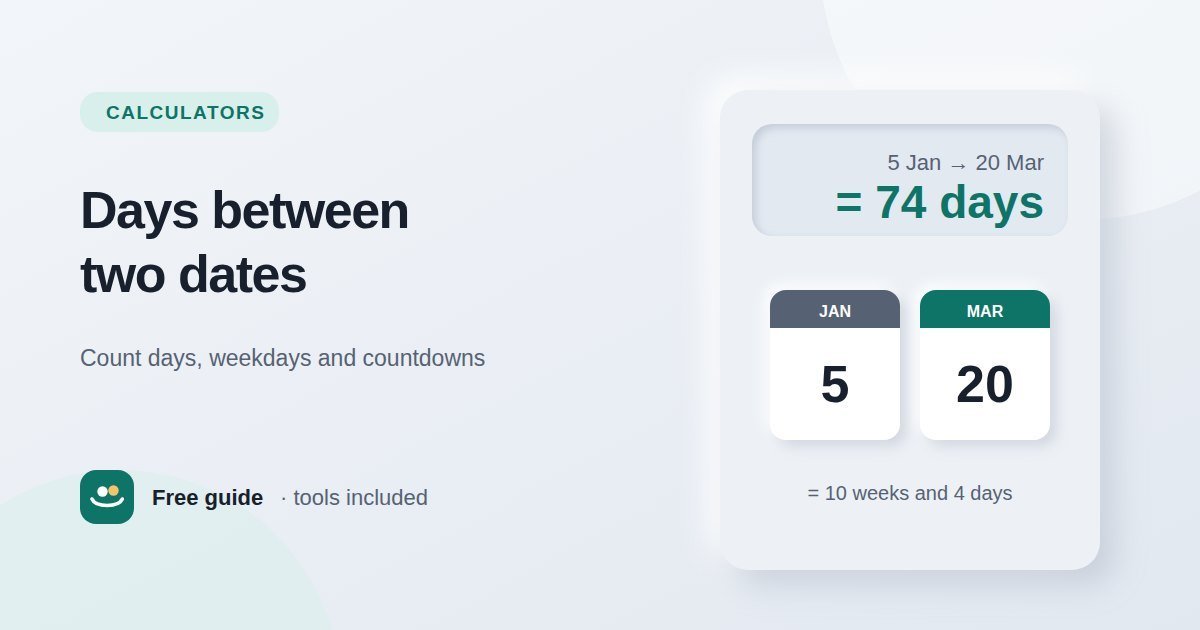
Days left in January after the 5th: 31 − 5 = 26.
All of February 2026 (not a leap year): 28.
Days into March: 20.
Total: 26 + 28 + 20 = 74 days.
Month lengths are the part people forget. Use the knuckle trick or this list: January 31, February 28 (29 in a leap year), March 31, April 30, May 31, June 30, July 31, August 31, September 30, October 31, November 30, December 31.
Should you include the end date?
This is the most common source of "off by one" errors. The standard way of counting — the one used by calculators and spreadsheets — measures the gap between the dates. From Monday to Tuesday is 1 day.
But if you are counting the days something lasts, and both the first and last day count, you need to add 1. A holiday from Monday to Friday covers 5 days, not 4.
| Situation | How to count | 1–10 October |
|---|---|---|
| Time until a date, age, countdowns | Days between (exclude end date) | 9 days |
| Length of an event, holiday, hotel booking by days attended | Include both start and end date (+1) | 10 days |
| Hotel nights | Days between (each night is one gap) | 9 nights |
Contracts, notice periods and legal deadlines can have their own rules about which days count, so always check the wording. The Days Between Dates Calculator has an "Include the end date" option so you can choose either method.
How many days until a date?
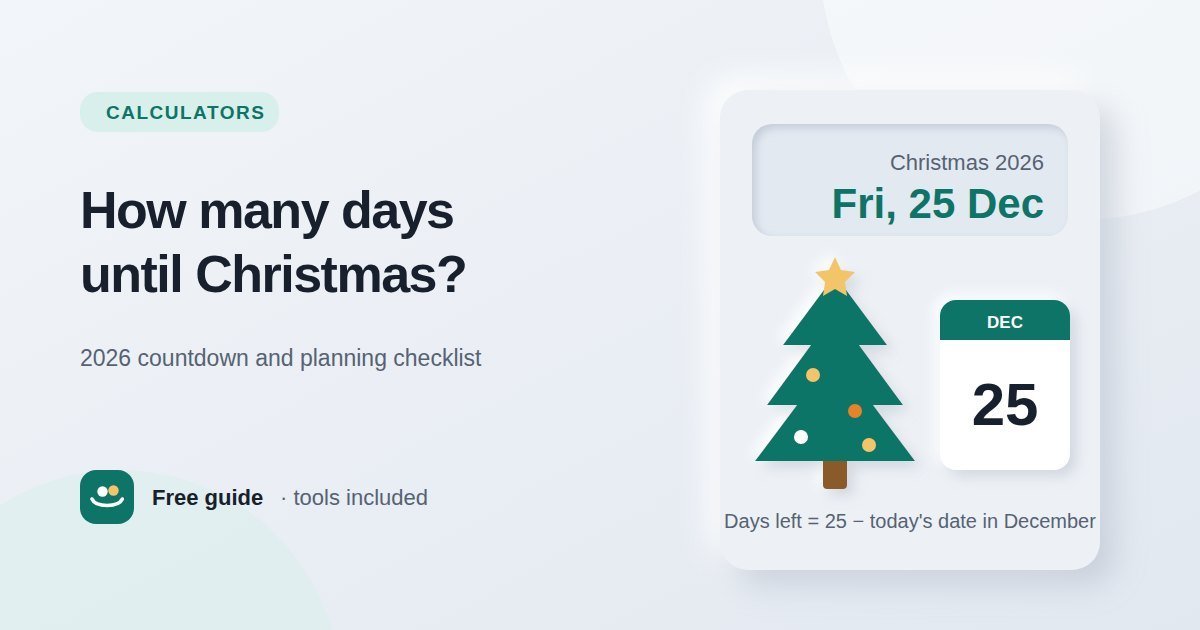
A countdown is the same calculation with today as the start date. From 1 October 2026:
| Until | Days from 1 October 2026 |
|---|---|
| 25 December 2026 | 85 days |
| 1 January 2027 | 92 days |
To find the date a certain number of days from today, work forwards instead: 90 days after 1 October 2026 is 30 December 2026.
Counting weekdays (business days) only
Deliveries, bank transfers and many work deadlines count only weekdays. To count business days:
- Count the full weeks between the dates. Each full week contains 5 weekdays.
- Add the weekdays in the leftover days at the end.
- Subtract any public holidays that fall on a weekday in the period, if they apply to you.
From Thursday 1 October 2026 up to (but not including) Saturday 31 October 2026 is 30 days — 4 full weeks (20 weekdays) plus 2 extra days, Thursday 29 and Friday 30 October. That makes 22 weekdays, before removing any public holidays.
Public holidays differ by country and even by region, so a general calculator cannot know which ones apply to you. Count the weekdays first, then subtract your local holidays by hand.
Converting days into weeks, months and years
- Weeks: divide by 7. 74 days is 10 weeks and 4 days.
- Years, months and days: step through the calendar — whole years first, then whole months, then the days left over — rather than dividing. From 5 January to 20 March is 2 months and 15 days.
- Approximate months: divide by about 30.44 (the average month length). This is fine for rough estimates, but not for contracts or ages.
Months are awkward because they range from 28 to 31 days. "One month" from 31 January cannot land on 31 February, so calculators usually use the last day of the shorter month. The same logic is explained in our guide to calculating age in years, months and days.
Leap years
A leap year adds 29 February, so any range that crosses it has one extra day. A year is a leap year if it is divisible by 4 — except century years, which must also be divisible by 400. So 2024 and 2028 are leap years, 2000 was a leap year, but 1900 was not and 2100 will not be. 2026 and 2027 are ordinary 365-day years.
Days between dates in Excel and Google Sheets
Spreadsheets store dates as numbers, so you can subtract them directly. With the start date in A2 and the end date in B2:
| You want | Formula |
|---|---|
| Days between the dates | =B2 - A2 or =DAYS(B2, A2) |
| Days including both dates | =B2 - A2 + 1 |
| Weekdays, including both dates | =NETWORKDAYS(A2, B2) |
| Weekdays minus a list of holidays in D2:D10 | =NETWORKDAYS(A2, B2, D2:D10) |
| Days until a date from today | =B2 - TODAY() |
Note that NETWORKDAYS counts both the start and end dates if they are weekdays, which is different from simple subtraction. Format the result cell as a number, not a date, or you may see a strange date instead of a count.
Common mistakes
- Being unclear about the end date. Decide first whether you are measuring a gap or a duration.
- Assuming every month has 30 days. Over several months the error adds up quickly.
- Forgetting 29 February when a range crosses a leap year.
- Mixing date formats. 03/04 is 3 April in most countries but 4 March in the US.
- Ignoring time zones for deadlines that end at a specific time in another country.
Need a date a set number of days away?
Sometimes the question is the other way round: you know the number of days and need the date — for example, 90 days from today for a return window, a notice period or a visa. The Days From Date Calculator adds or subtracts days, weeks, months or years from any date, and can count weekdays only.
Conclusion
To count the days between two dates, add the days left in the first month, the full months in between and the days into the last month — or simply subtract in a spreadsheet. Add one day if both the start and end dates should count, use weekday counts for business deadlines, and remember leap years. The free Days Between Dates Calculator gives you days, weeks, weekdays and years-months-days in one step.
Frequently asked questions
How do I calculate the number of days between two dates?
Subtract the earlier date from the later one. By hand, add the days remaining in the first month, the days in each full month between, and the day number of the final date.
Does "days between" include the start and end date?
Normally it counts the gap, so it excludes one of them. If both days should count — such as the length of an event — add 1 to the result.
How many weekdays are in a month?
Between 20 and 23, depending on the length of the month and which day of the week it starts on.
How many days are in a year?
365 days in an ordinary year and 366 in a leap year. The average over the Gregorian calendar is 365.2425 days.
What is 90 days from today?
Count 90 calendar days forward from today's date. From 1 October 2026, it is 30 December 2026. A date calculator is the quickest way to check.